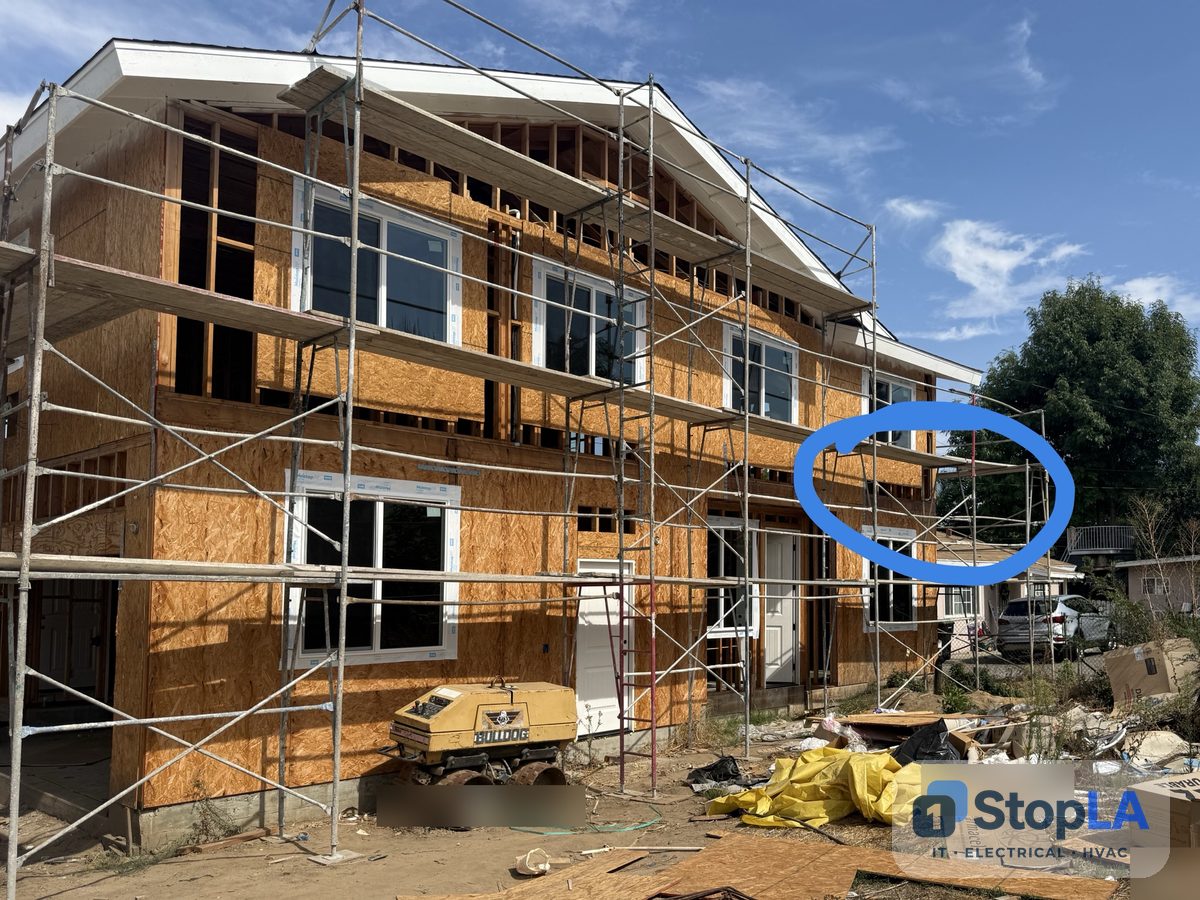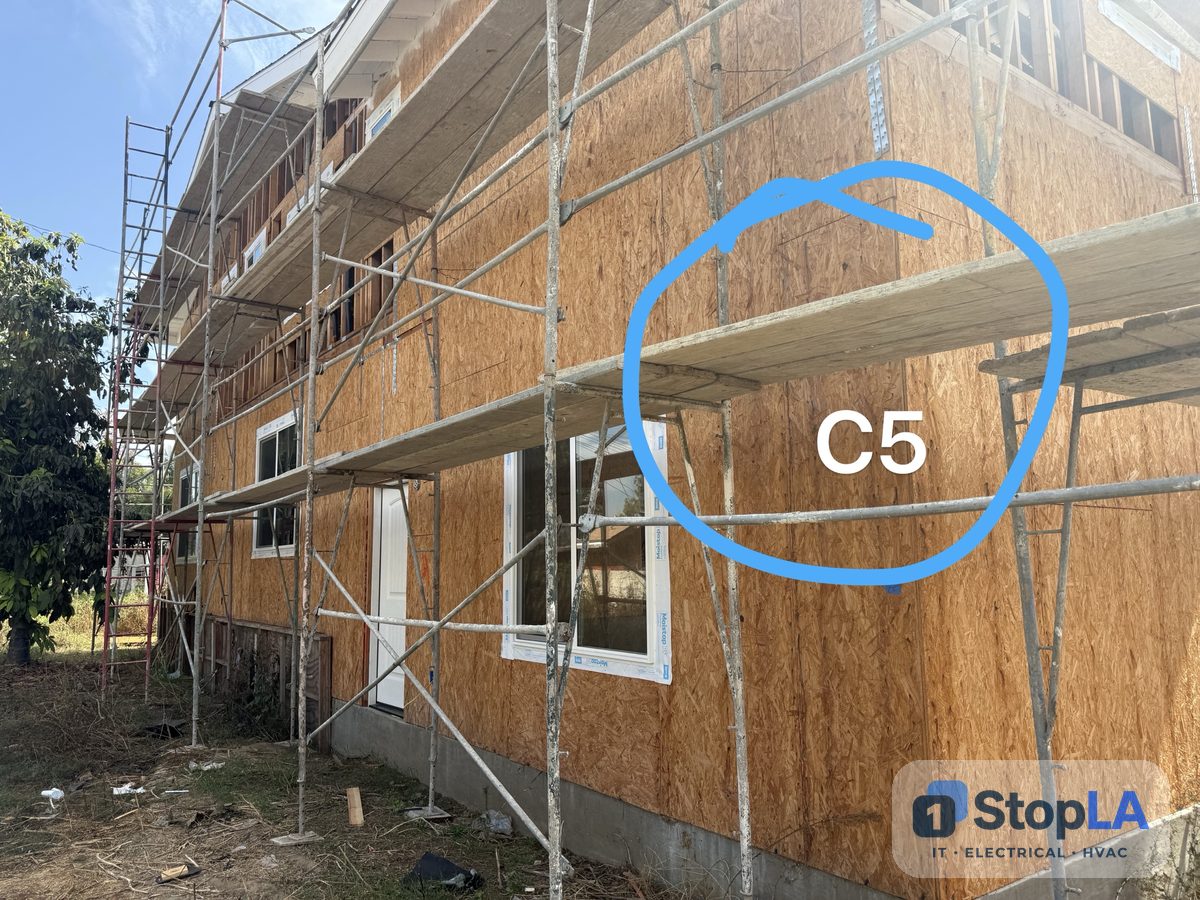

A new two-story home was framed and sheathed, with drywall still to come. Before the walls closed, we planned and ran the cabling for whole-home Wi-Fi and five security cameras, so nothing will need to be fished through finished walls later.
The plan
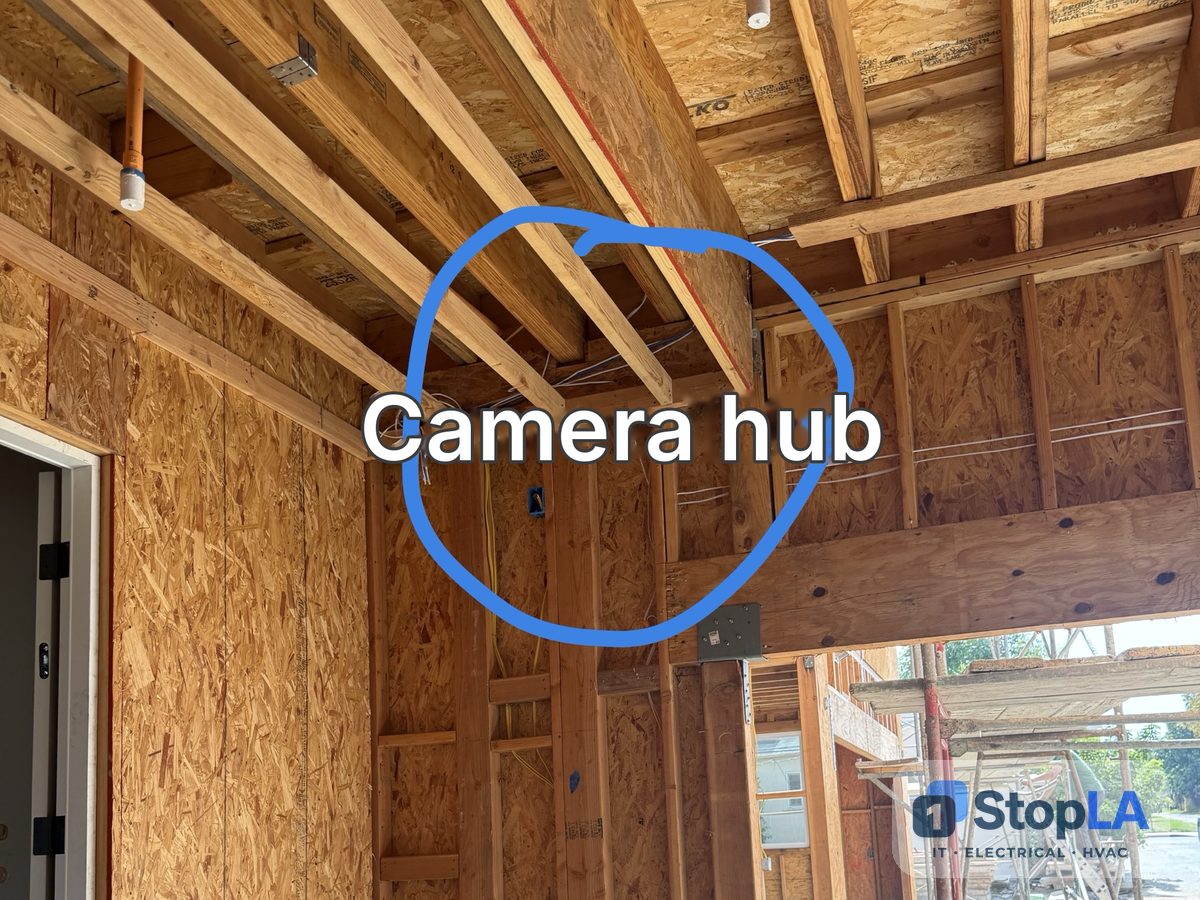
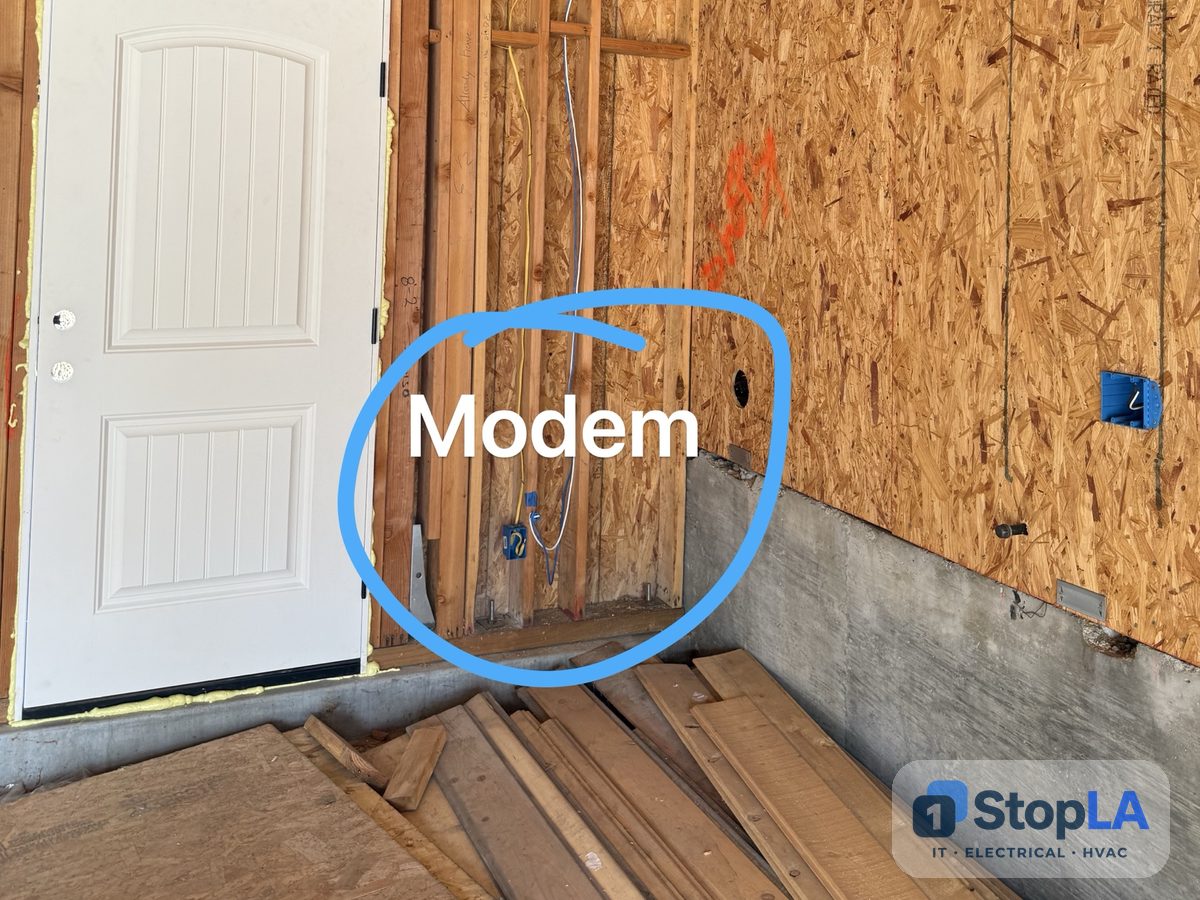
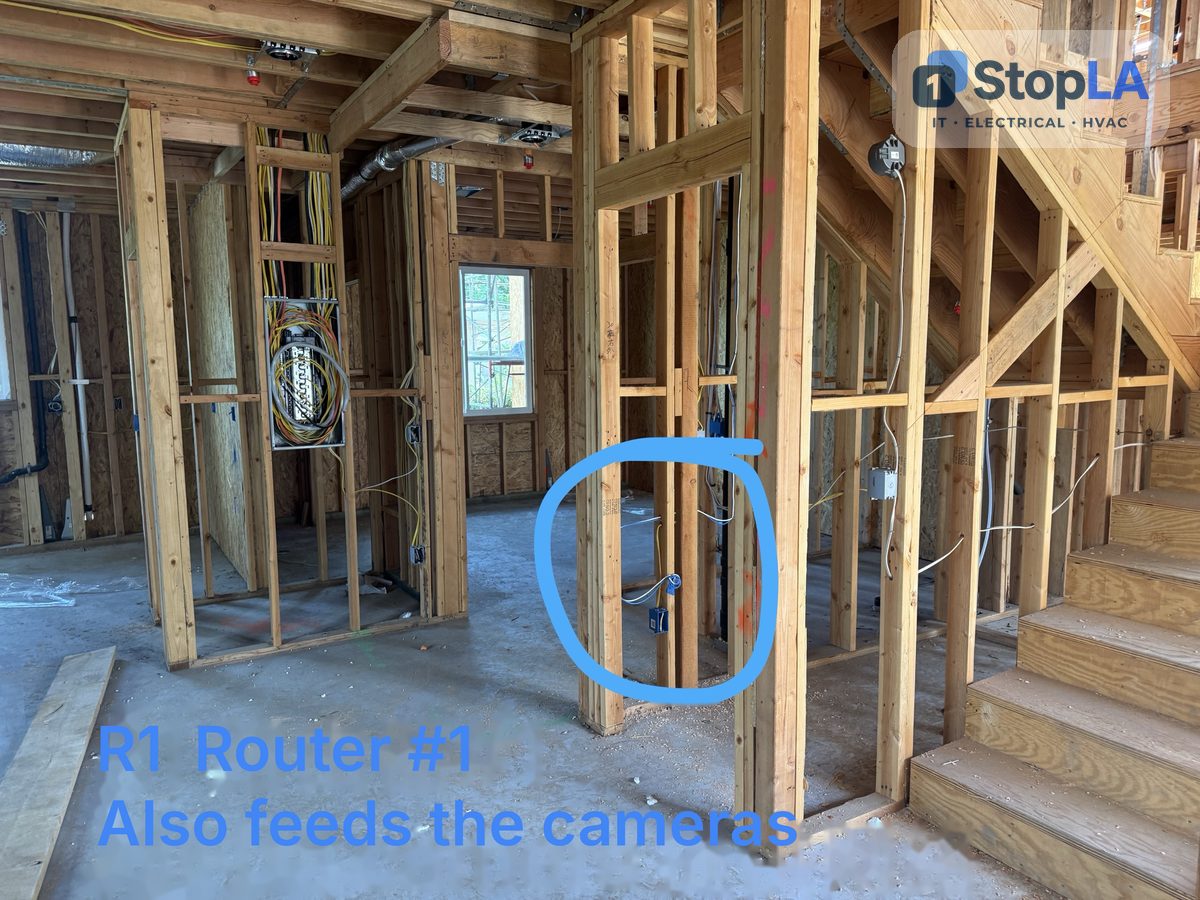
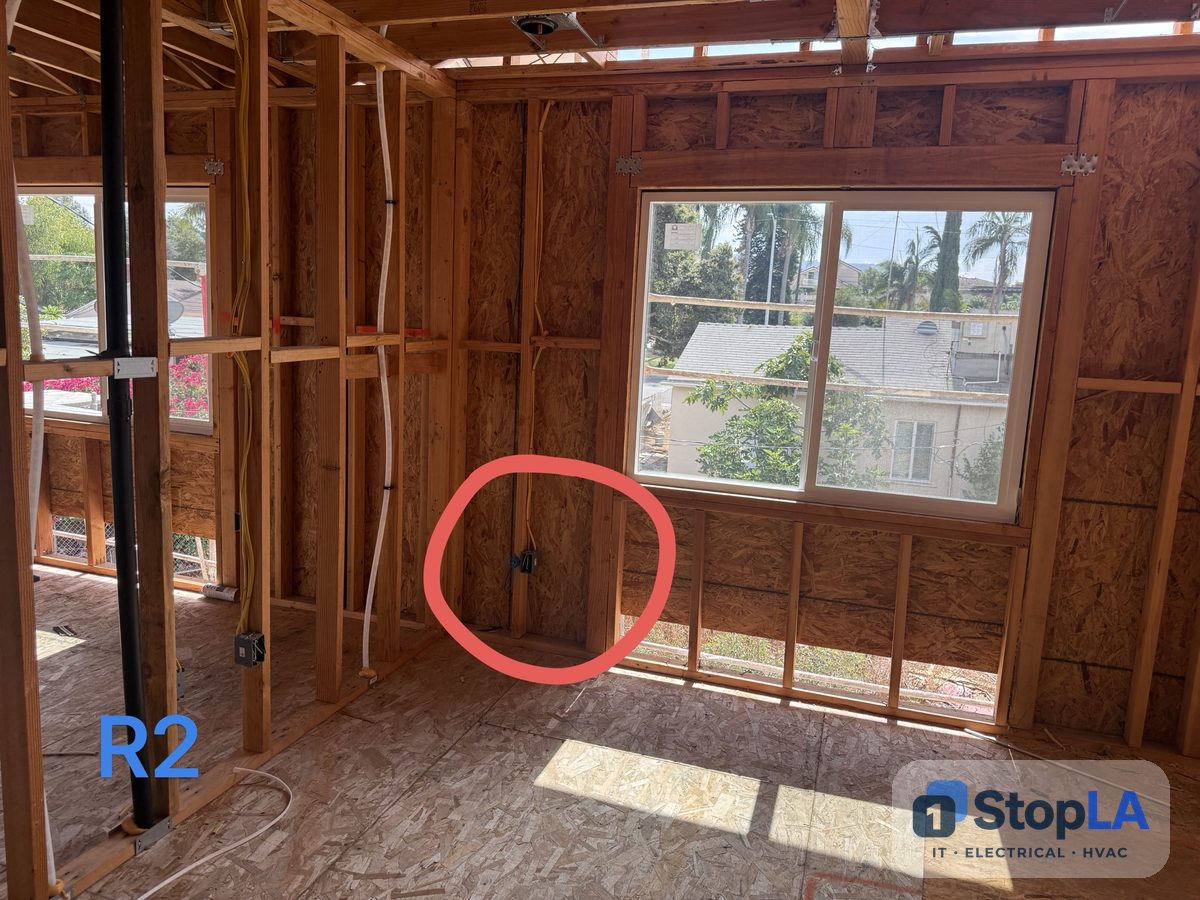
Running cable is easiest – and cheapest – while the studs are open. With the owner we marked every location on site: the modem where the internet line enters in the garage, a camera collection point in the garage, router 1 on the ground floor and router 2 upstairs, and five camera positions (C1–C5) around the outside of the house.
What we did
- Modem location in the garage at the internet service entry
- Network cable from the modem to router 1 (ground floor) and router 2 (upstairs) for even Wi-Fi on both floors
- Router 1 also feeds the camera network
- A cable from each of the five camera positions (C1–C5) back to one collection point in the garage
- Low-voltage boxes at router locations, camera points left at the eaves and walls ready for mounting
- Every cable labeled at both ends, with photos of each location before drywall
Result
When the walls are finished, the routers and cameras simply plug in – no surface wiring, no holes in new walls. The labeled cables and photos make it easy to add or change equipment later.
Photos from the job
The labels on the photos (C = camera, R = router) were marked on site during planning.